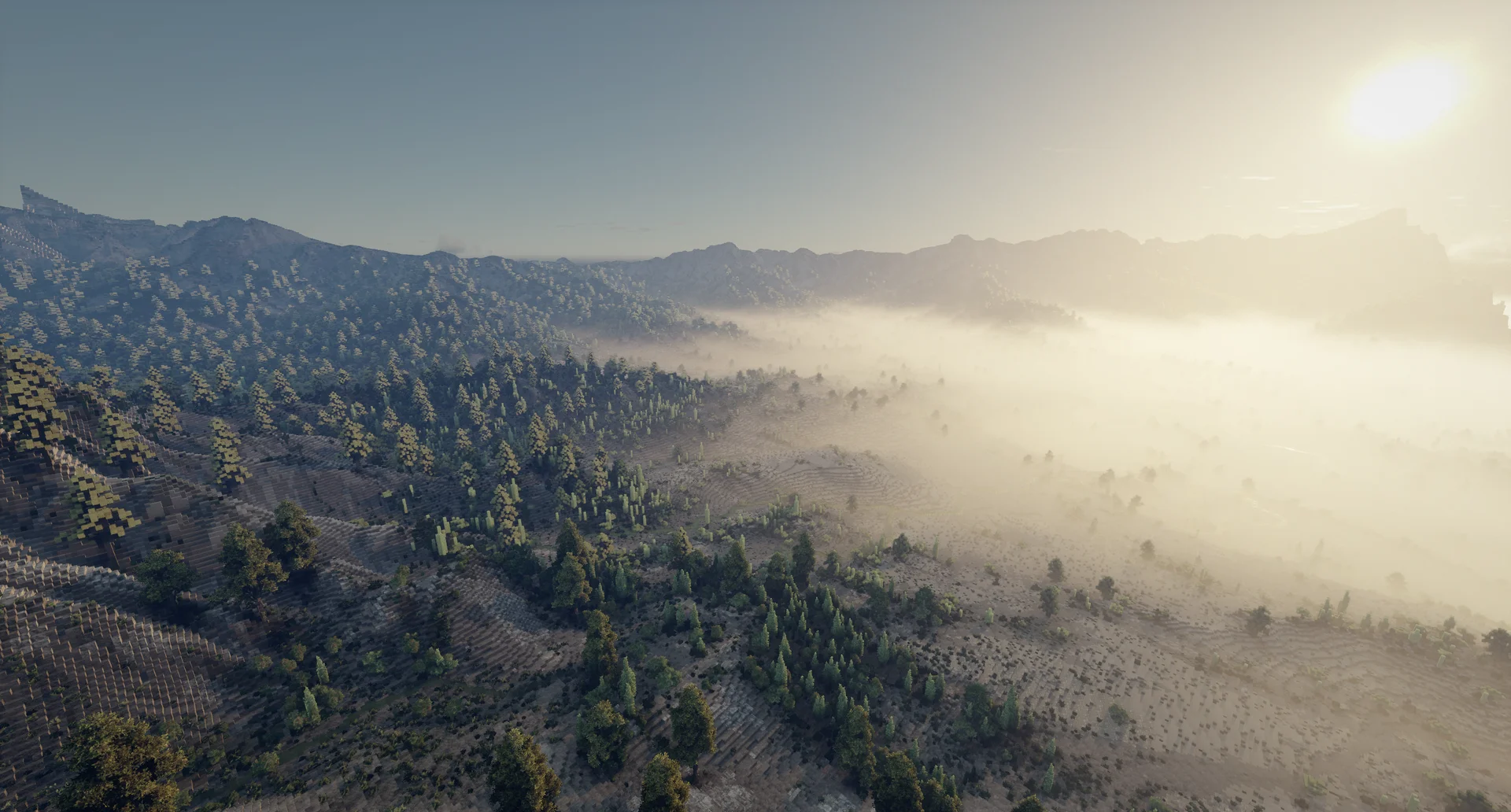
Make a real-world map in Minecraft
Turn a mountain range, an island or a lake into a playable Minecraft world.
What you need
- A grayscale heightmap of the area, as
.pngor.tif: black is the lowest point and white the highest. A 16-bit image keeps every detail; an 8-bit one works too, but has lower spatial resolution.
Free web tools such as Tangram Heightmapper let you pick an area on a world map and save it as a grayscale image. Gaea can also generate custom heightmaps of very good quality.
1. Create the project
Open File → New, name the project and set its size in blocks (512 to 65,536). Pick the size you want for your Minecraft map. Voxelier can also resize the project to the image in the next step.
2. Import the heightmap
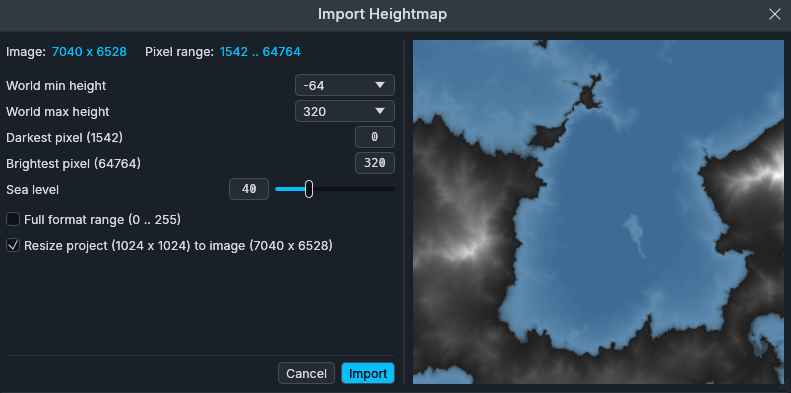
Open Import → Import Heightmap and choose your image. Here you set the new min and max height limits of the world and map the brightness of the pixels to elevation, and the sea level if needed. By default, heights are mapped between the darkest and the lightest pixel of the image; the Full format range option uses the whole range from black to white instead.
3. Add colors with a colormap
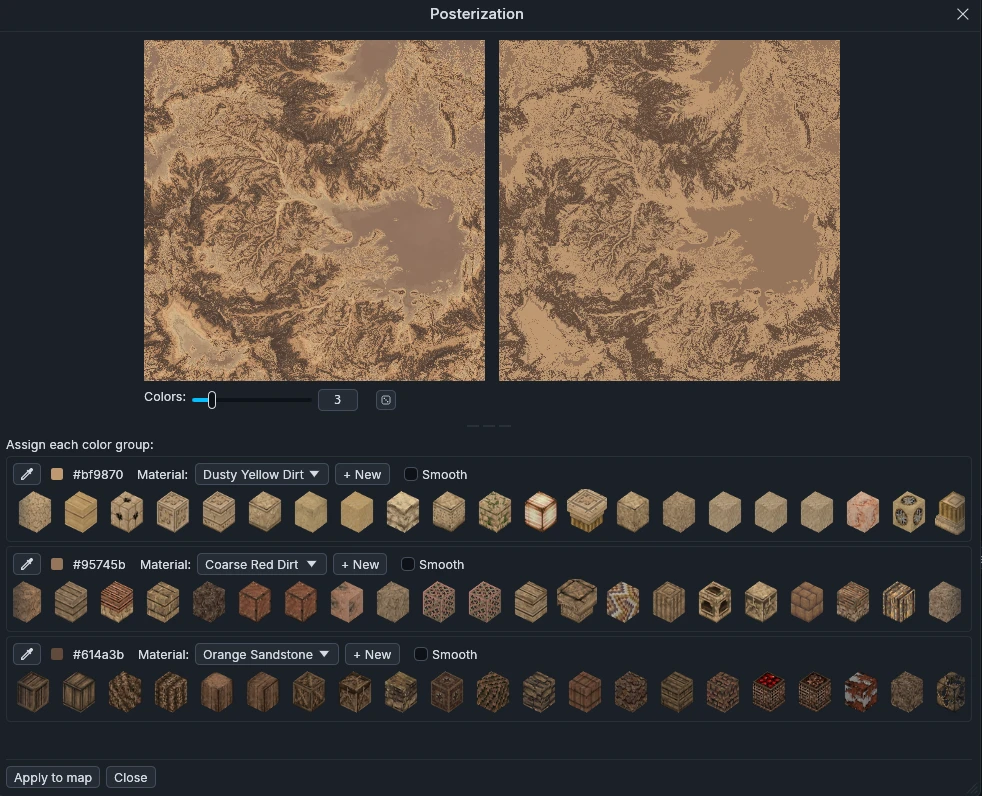
Optional, but really handy when one is available. Import → Import Colormap reads an image of the area, such as a satellite view, a land-cover map or a Gaea export. Posterization reduces it to a set number of colors, and you assign each one a material, among the vanilla blocks and the imported modded blocks, with the closest matching color. If the Smooth box is checked and the block supports fractional height (such as snow or most Conquest blocks), the top block follows the exact terrain height.
4. Refine the terrain
Use the tools to polish the result:
- Raise / Lower, Smooth and Flatten to shape the relief, Paint and Spray can to add materials.
- The River tool to carve a river bed along a curve, and the fluid tools to pour lakes and oceans.
- The node editor to paint the whole map by rules, such as snow above a height or rock on steep slopes.
- Add schematics to scatter trees and other schematics.
5. Export to Minecraft
Open Export → Export to Minecraft.... Pick the Minecraft version you play and
the optional post-processing. Choose your
saves folder and click Export: a map under 16k × 16k blocks exports in less
than a minute. You can then open your world in Minecraft.