Export
Everything below lives in the Export menu.
| Target | Format | Content |
|---|---|---|
| Minecraft world | world folder | The playable world |
| Heightmap | .png | Terrain heights |
| Colormap | .png | The 2D view as displayed |
Minecraft world
Writes a playable world into the chosen folder. The dialog sets the world name and the target Minecraft version.
The same export exists on the command line if RAM has to be kept low: see CLI export.
Generator
Outside of the defined area, the world is generated as:
- Void World: nothing.
- Vanilla: the normal Minecraft terrain.
- Endless ocean: an ocean whose surface matches the project water level.
Post-processing
Post-processing steps enrich the exported world but make the export longer. They are all off by default and can be enabled one by one:
- Vanilla caves: adds caves to the exported world.
- Vanilla ores: adds ores to the exported world.
- Cactus: in desert and badlands biomes.
- Grass patches: on grass blocks.
- Flowers: depending on the biome.
- Sugar cane: along water banks.
- Animals: passive animals grouped like vanilla, depending on the biome.
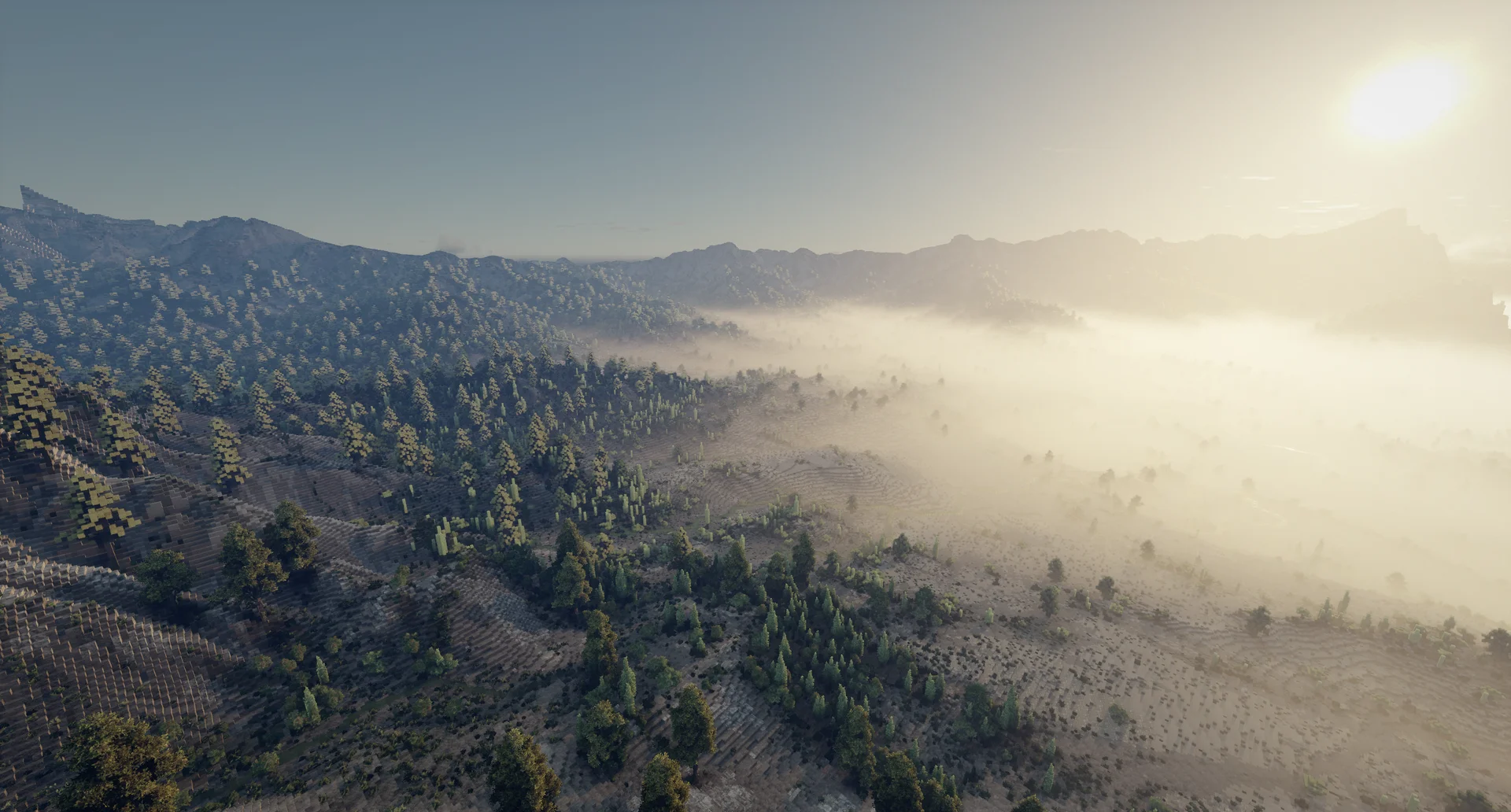
Heightmap
Writes the terrain heights as a 16-bit luma PNG.
Two options are available:
- Normalize between effective altitude range: heights are normalized to span the whole 0..65535 range, instead of mapping the world height bounds onto it.
- Use water as elevation: when on, the pixels covered by water are written with the water height value, otherwise they are written with the height value of the terrain below
Colormap
Writes the 2D view as a PNG, one pixel per cell, with the current display options: textures, shading, contour lines, layer visibility...
Command line
Export a .voxelier project to a Minecraft world without opening the UI:
voxelier --export <project.voxelier> <output_dir> [--version <minecraft>] [post-process flags] [--dry] [--generator void|minecraft|ocean]
<project.voxelier>— the project to load.<output_dir>— where the world is written, created if needed.--version <minecraft>— target Minecraft version, default1.20.1.--dry— encode everything in memory without writing to disk, for profiling.--generator void|minecraft|ocean— overworld generator outside of the defined area:voidby default,minecraftfor normal terrain generation, oroceanfor an endless ocean at the project water level.
voxelier --export my-world.voxelier ./export/my-world --version 1.20.5 --all-features --all-resources
The executable is Voxelier.exe on Windows and ./voxelier on Linux.
The output is a playable Minecraft world (region/*.mca, level.dat, icon). Copy
<output_dir> into your Minecraft saves/ folder to play it.
Target version
Pick the version matching the Minecraft you play in, so the world loads correctly:
--version | Minecraft |
|---|---|
1.20.1 (default) | 1.19 – 1.20.4 |
1.20.5 | 1.20.5 – 1.21.11 |
26.1 | 26.1+ |
Any number inside a range works (e.g. 1.21.1). The same choice is available as
a dropdown in the export dialog of the app.
Post-processing
By default nothing is generated. Flags add steps and can be combined; they match the checklist of the export dialog in the app.
Groups:
| Flag | Behaviour |
|---|---|
--all-features | All vanilla features plus the feature layers painted in the project |
--all-resources | Vanilla ores plus the resource layers painted in the project |
--vanilla-features | Vanilla features only: caves, cactus, grass patches, flowers, sugar cane, animals |
--vanilla-resources | Vanilla ores only |
--layer-features | Feature layers painted in the project only |
--layer-resources | Resource layers painted in the project only |
Shortcuts for individual vanilla features:
| Flag | Behaviour |
|---|---|
--caves | Vanilla caves |
--ores | Vanilla ores |
--cactus | Cactus in deserts and badlands |
--grass | Grass patches on grass blocks |
--flowers | Flowers on grass blocks |
--sugar-cane | Sugar cane along water banks |
--animals | Passive animals grouped like vanilla, depending on the biome |