Create a world
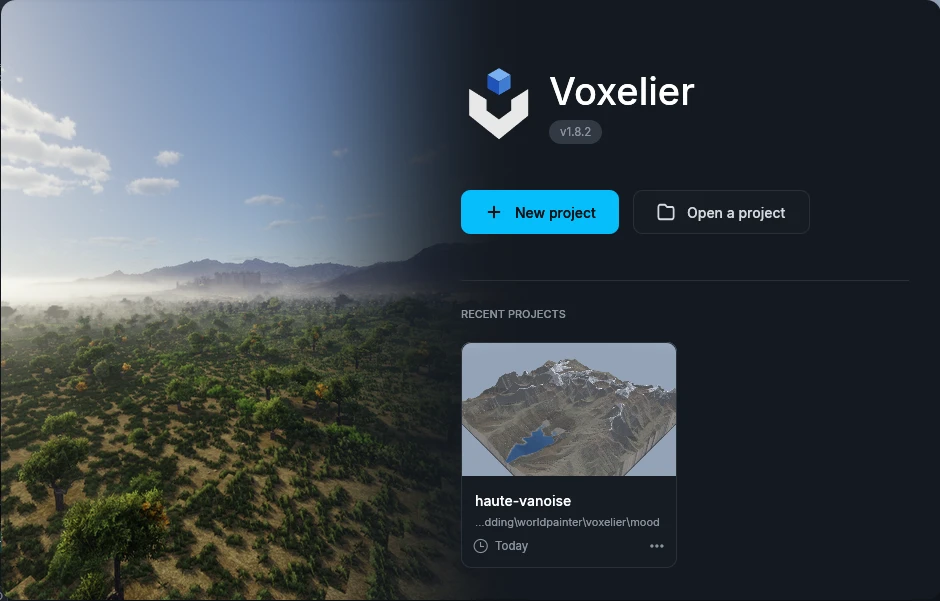
Welcome window
At launch, Voxelier opens a welcome window.
Create a new project, open a .voxelier file, or click one of
your two latest projects to reopen it.
Click anywhere outside the window, or press Esc, to close it and go straight to the editor.
When a new version is out, an Update available window offers to install it on top.
New project
Open it from the welcome window or from File → New. Give the project a name, set its size in blocks (512 to 65,536, by steps of 512) and its height bounds (-64 to 320 by default, from -2032 up to 2032), then pick a terrain type.
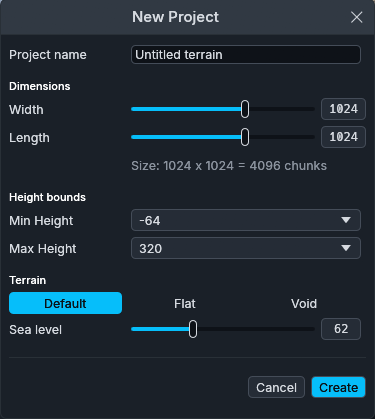
- Default: generated hills around the sea level (62 by default).
- Flat: level ground at the chosen height (60 by default).
- Void: no blocks.
Size, height bounds, sea level and seed can be changed later in Edit → Edit world….